
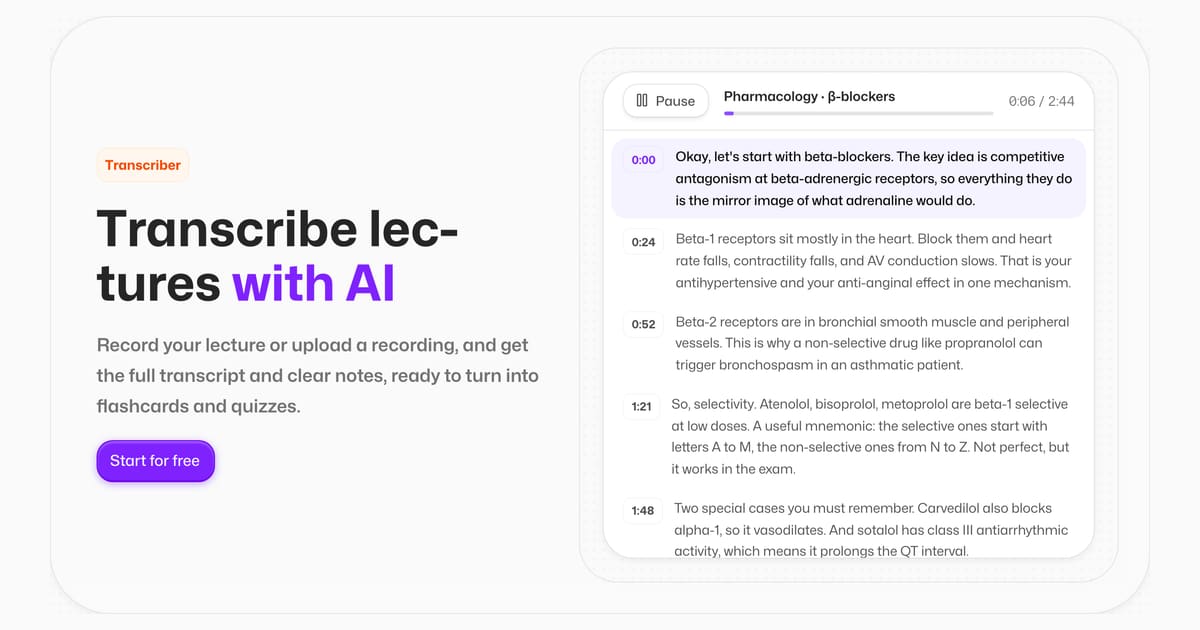
To turn YouTube lectures into notes and flashcards, start from the video's transcript, write notes from it in your own words, and turn the key points into questions you review over the following days. You can do it by hand from YouTube's own transcript, or paste the link into a tool that writes the transcript, notes and cards for you. Either way, the goal is to stop watching passively and start recalling.
Why watching a lecture is not enough
A good lecture on YouTube feels like learning. You follow every step and nod along, and an hour later you could not explain half of it. Watching builds recognition; an exam asks for recall.
Turning the video into notes and flashcards is what changes that. Notes make you decide what mattered, and flashcards make you pull it back out of memory, which is active recall.
Video also makes it easy to feel busy. You can speed it up, skip back and finish a whole playlist without ever checking whether anything stuck. A short pause after each section, to say what it was about without looking, already turns watching into studying.
The manual way: transcript, notes, cards
- Open the transcript. On YouTube, videos with captions usually have a Show transcript option under the description.
- Watch at a comfortable speed with the transcript open, pausing at each new section.
- Write notes in your own words. One heading per section, with the main idea and one example. Do not copy the transcript.
- Note the timestamps of anything you want to rewatch.
- Write questions from your notes, one fact or idea per card.
- Review the cards the next day, then a few days later, then a week later.
It works, but it can take longer than the lecture itself, and most of that time goes on copying rather than learning.
How to turn YouTube lectures into notes and flashcards with Flashka
On the web, Flashka can do the transcript and notes for you. Paste the YouTube link when you create a deck, choose the lecture's language, and Flashka builds the transcript from the video's captions and writes notes from it. Because it uses the captions, the video needs to have them.
From there it works like a recorded lecture:
- The video plays on its own tab beside the transcript, so you can rewatch any part.
- Make flashcards from the whole lecture, or highlight a paragraph of the notes and turn just that into cards.
- Check any card at its source. View source takes you back to the part of the lecture the card came from.
- Build a quiz or a mind map from the same deck when you want a different kind of practice.
YouTube links work on the web only. The deck, its notes and its cards sync to the iPhone, iPad and Android apps, so you can study the cards on your phone. For lectures you attend in person, the apps can record them instead: see how to transcribe lectures.
Notes vs flashcards: what each is for
| Notes | Flashcards | |
|---|---|---|
| Purpose | Understanding the lecture's structure | Remembering its facts |
| When you use them | Right after watching, and before the exam | A few minutes every day |
| How you study | Read, then explain it without looking | Answer, then check |
| What to avoid | Copying the transcript | Cards that ask two things at once |
Tips for learning from video lectures
- Do not take full notes on the first watch if a transcript is coming. Watch, think, and mark the moments that confused you.
- Pick lectures that match your syllabus. A great lecture on the wrong topic is still the wrong topic.
- Delete cards you already know. Every card should earn its place in your daily review.
- Review a little every day. Short sessions with spaced repetition do more than rewatching the whole lecture the night before.
The short version
- Watching a lecture builds familiarity; notes and flashcards build memory.
- By hand: transcript, notes in your own words, questions, spaced review.
- In Flashka on the web: paste the YouTube link and get the transcript and notes from its captions.
- Then make flashcards, check each against the lecture, and review daily.


