
AI study tools for students fall into five main kinds: flashcard makers that turn your material into cards, note summarisers that condense documents, AI tutors that explain and answer questions, quiz generators that test you, and transcribers that turn lectures into text. Each helps with one step of studying. The useful question is not which one is cleverest, but which steps you want help with, and whether the tools connect.
What AI study tools for students actually do
| Kind | What it does | Good for | Watch out for |
|---|---|---|---|
| Flashcard maker | Writes flashcards from your PDFs, slides or notes | Turning a lecture into something to review | Cards you cannot check against the source |
| Note summariser | Writes notes, a summary or a list of key concepts | Getting the shape of a long chapter | Reading a summary is not remembering it |
| AI tutor | Explains, answers questions and quizzes you in a chat | Getting unstuck on a concept | Answers not tied to your course |
| Quiz generator | Writes practice questions and mock exams | Finding what you do not know yet | Questions that only test recognition |
| Transcriber | Turns a recorded lecture into text | Listening in class instead of typing every word | Languages and audio it cannot handle |
Flashcard makers
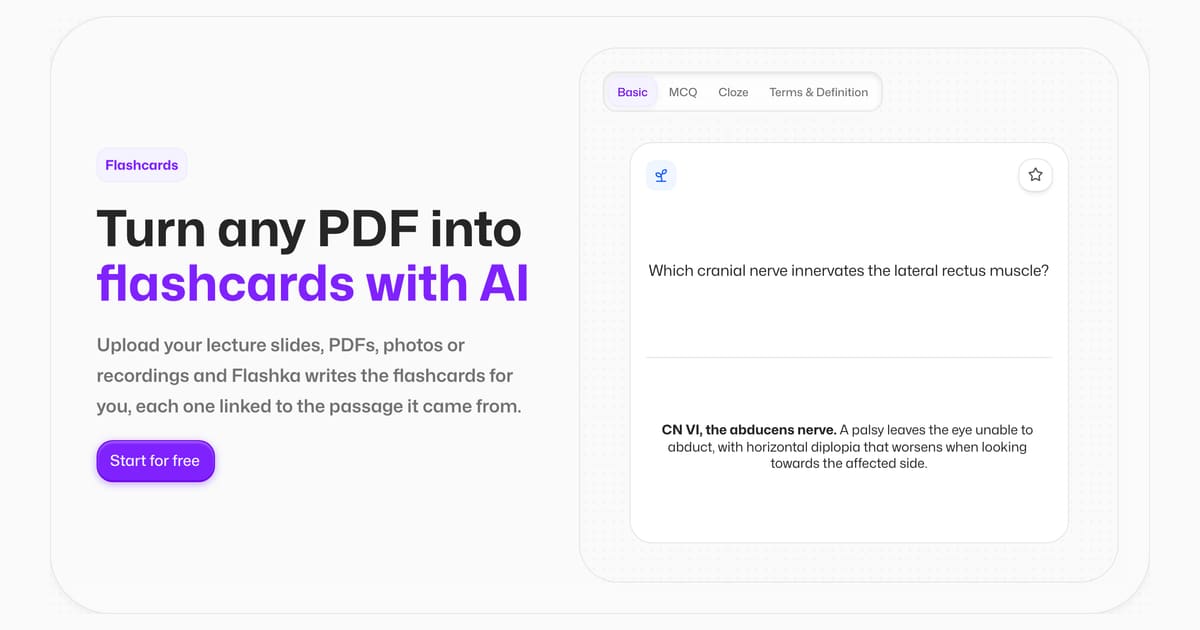
A flashcard maker reads your document and writes question-and-answer cards. The time it saves is real: writing cards by hand is the step most students skip. What matters is whether each card can be checked against the passage it came from, and whether the tool then schedules reviews, because cards you never see again teach nothing.
Note summarisers
Summarisers condense. They are good for previewing a chapter or catching up on a lecture you missed. On their own they lead back to rereading, so the useful ones let you turn part of a summary into cards or questions.
AI tutors
General chat assistants explain almost anything, at any level. Tutors built into study apps work on the material you uploaded and can show where an answer came from. For how the general kind compares, see Flashka vs ChatGPT.
Quiz generators
A quiz generator turns material into questions. Look beyond multiple choice: open answers, putting steps in order and matching pairs make you produce an answer, not just recognise one, and that effort is what makes it stick.
Transcribers
A transcriber turns a recording into text. Its real value comes afterwards, when the transcript becomes notes, cards and questions. Check which languages it supports and how long a recording it accepts.
How to choose an AI study tool
- Start from your bottleneck. Too much to read: a summariser. Forgetting what you learned: flashcards with spaced repetition. Not sure what you know: a quiz.
- Check it works on your material. Your file types, your language, your page counts.
- Check you can verify its output. A link back to the source passage turns checking from a search into a glance.
- Count the hand-offs. Every export from one app to another is a step you will skip in exam season.
- Try it on one real lecture before you move a whole course.
Where Flashka fits
Flashka puts these kinds of tool in one place, working on the same documents. Upload a lecture or a PDF once, and from the same deck you can make flashcards, notes, quizzes and mind maps, record and transcribe lectures, and ask Professor Ka, the AI tutor, who answers from your documents and names the page. Cards are reviewed with spaced repetition, and there are oral exams and case studies for practising out loud and applying what you know.
If you are switching from another app, the comparisons are here: Flashka as an Anki alternative or a Quizlet alternative, and Flashka vs NotebookLM for a research notebook that also makes flashcards and quizzes.
A word of caution
Every AI tool can be wrong. Prefer tools that show their sources, check anything you will be examined on, and keep the part that only you can do: answering from memory. The tool saves you the copying and the formatting. The remembering is still yours.
The short version
- AI study tools come in five main kinds: flashcard makers, summarisers, tutors, quiz generators and transcribers.
- Choose by the step you struggle with, and check you can verify the output.
- Fewer hand-offs between apps means fewer skipped steps in exam season.
- Flashka covers these steps on the same documents, with spaced repetition to keep what you learn.


